
Work items & tasks
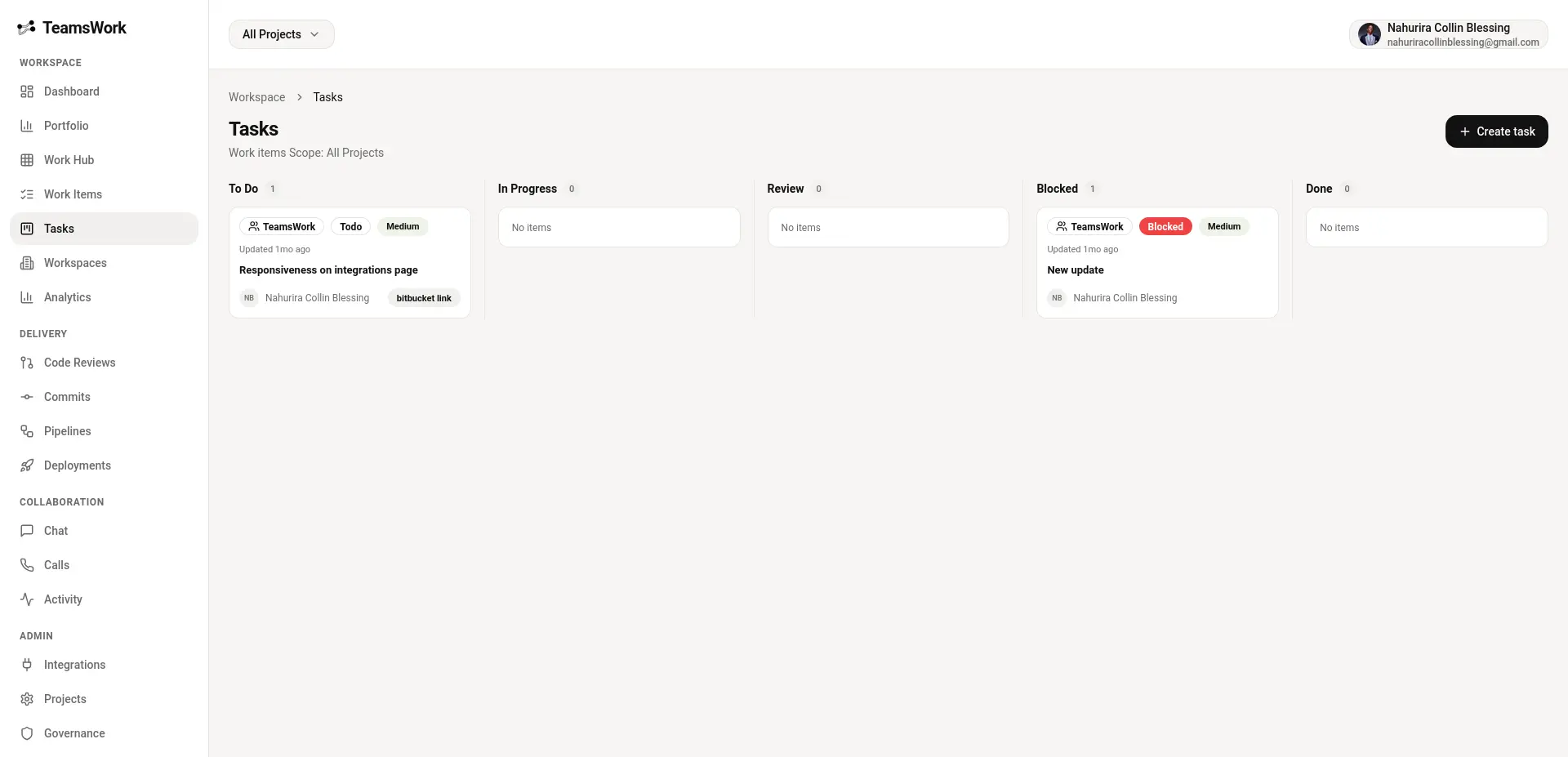
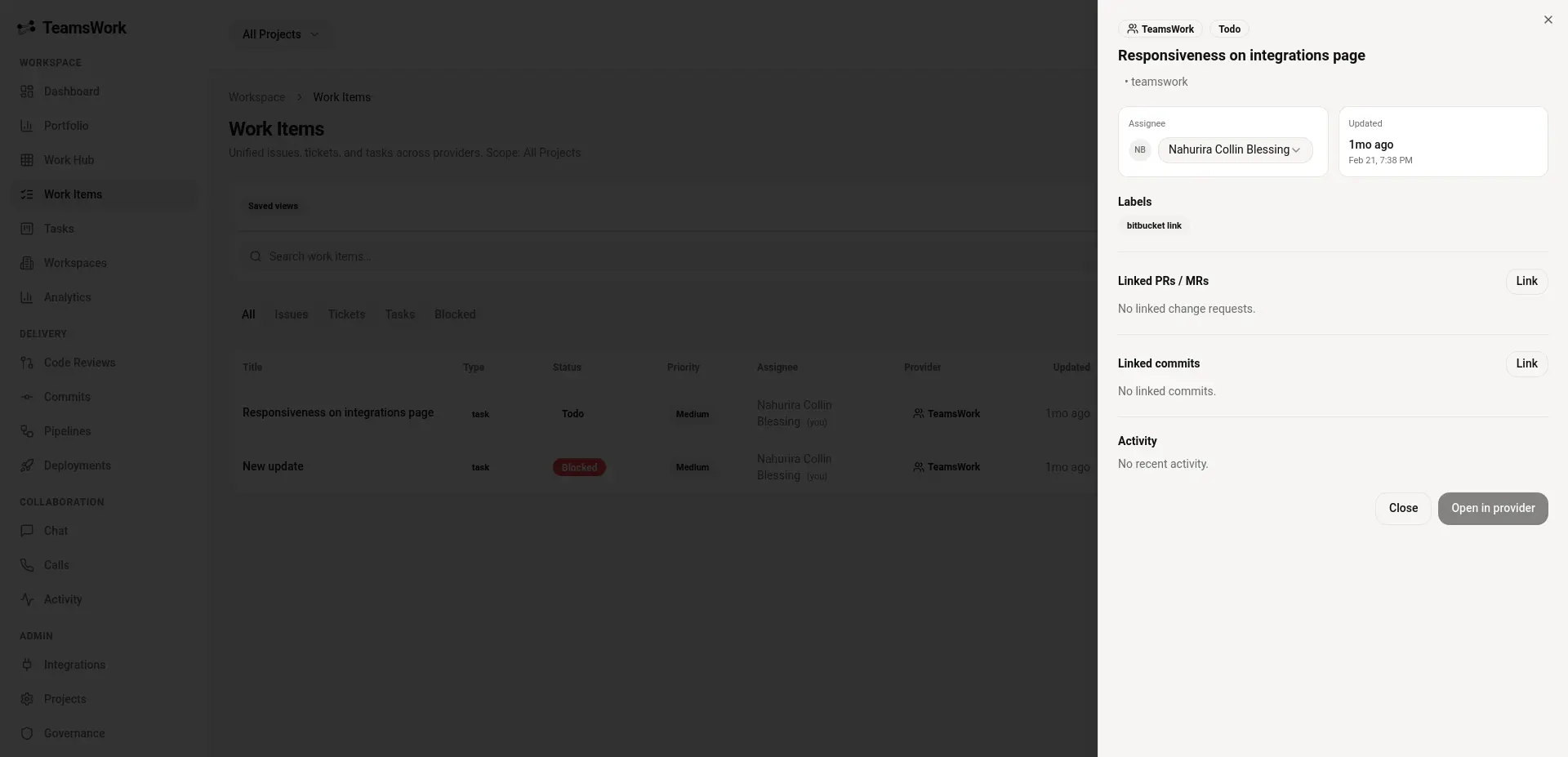
Track tickets, tasks, and priorities with statuses that match how teams actually ship.
Teams Work brings work items, code reviews, commits, pipelines, deployments, chat, calls, analytics, and governance together so your team can move fast without losing context.
SCM: GitHub, GitLab, Bitbucket. SSO: Google, Microsoft Entra ID.
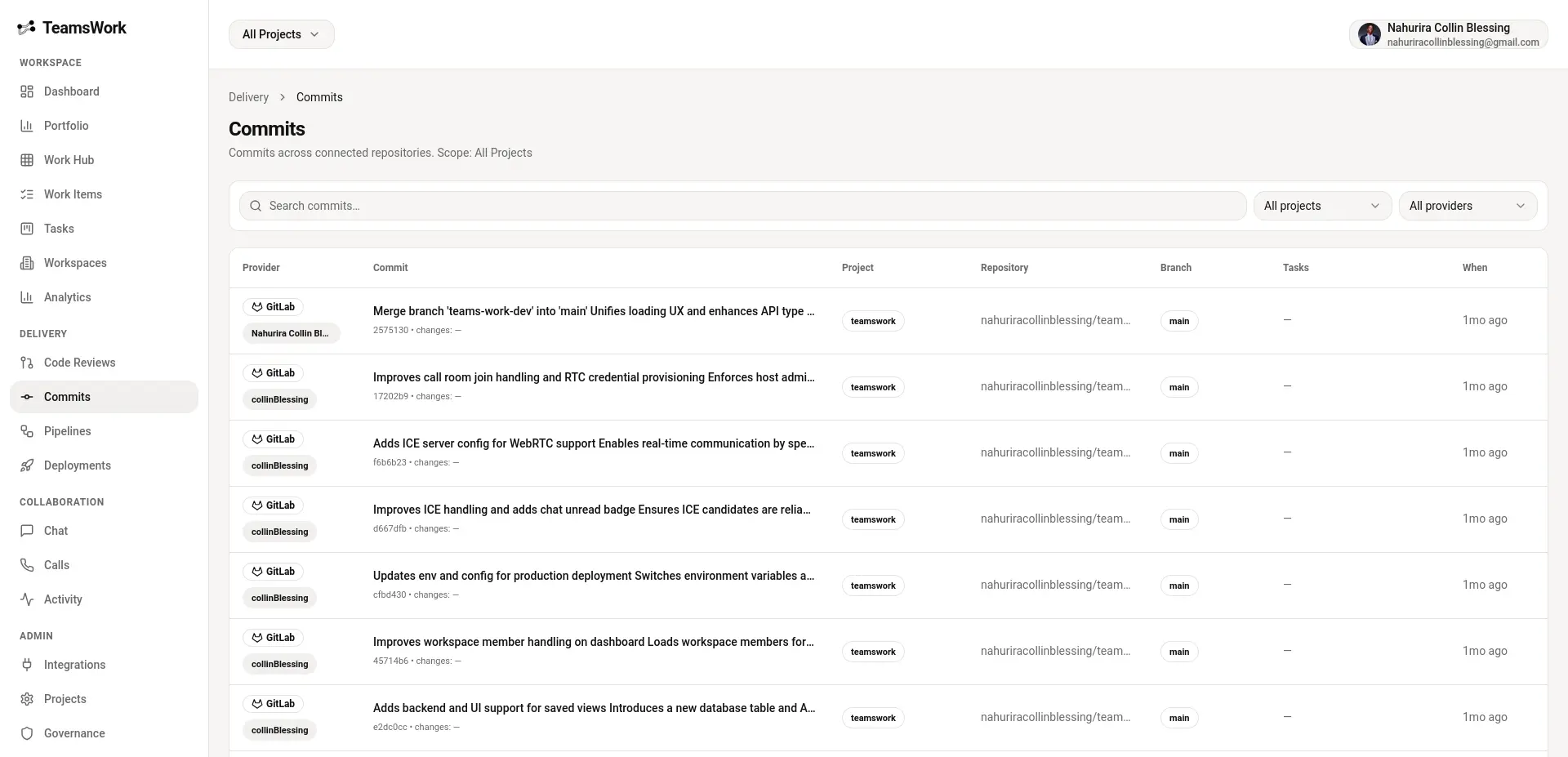
Stop hopping between tools. Keep planning, execution, delivery, and collaboration tied to the same workspace and the same source of truth.
Track tickets, tasks, and priorities with statuses that match how teams actually ship.
Keep reviews, change requests, and delivery context tied to the work that created them.
Follow commits and event streams per workspace/project so everyone stays aligned.
Keep delivery visible: build status, deployment history, and roll-forward confidence.
Move discussions closer to the work with real-time chat and quick calls.
Built-in audit logs, workspace-level controls, and security features designed for teams.
Get to a connected workflow in a few steps - without changing how your team builds.
Invite your team, organize projects, and apply workspace-level access controls.
Link GitHub, GitLab, or Bitbucket to bring repos, activity, and delivery context into the workspace.
Manage work items, keep delivery visible, and collaborate in real time with chat, calls, analytics, and auditability.
Teams Work organizes your engineering workflow into clear, familiar surfaces - without breaking context.
Prioritize, execute, and review with everything connected to the work item - from discussion to code.
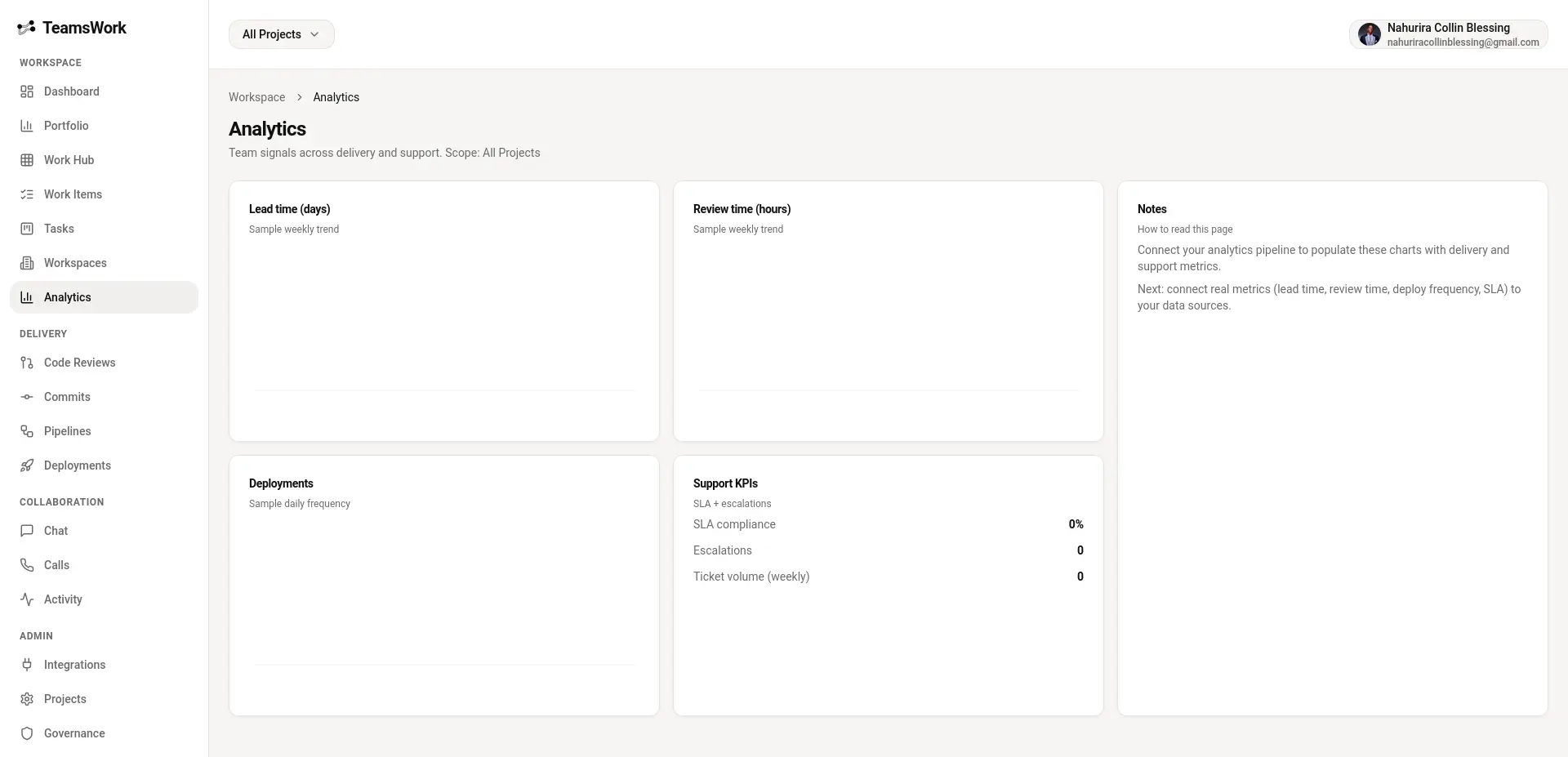
See what’s building and what’s shipping. Keep pipelines and deployments traceable to the work that caused them.
Chat and calls built into the workspace means fewer “where did we decide that?” moments.
Connect the tools your team already uses. Keep identity and repository context consistent across the workspace.
Connect repos, activity, and workflows.
Bring pipeline and project context together.
Keep commits, PRs, and delivery visible.
Streamlined sign-in for your organization.
OIDC-based enterprise authentication.
Separate teams, projects, and access cleanly.
Keep access tight and activity auditable. Teams Work includes modern auth options and workspace-level governance features.
Governance and visibility reduce release-day surprises.
These are placeholders - replace them with real quotes once you have feedback.
“Placeholder testimonial: Teams Work keeps our work items, reviews, and releases tied together - the context switching disappears.”
“Placeholder testimonial: Pipelines and deployments are finally visible to everyone - without digging through provider UIs.”
“Placeholder testimonial: Audit logs and workspace controls make it easier to support governance without slowing teams down.”
Choose the level of governance and support that fits your organization. Pricing and packaging can be tailored.
All the essentials to unify work and delivery.
More control and visibility across teams.
Advanced needs, tailored support.
Reach out for onboarding, packaging, and workspace strategy.
Quick answers to common questions about Teams Work.
<img>
src values in this page). For best results, use the same aspect ratio as the
current screenshots (1920×927).
Replace the placeholders with your own product screenshots and ship a landing page that matches the app.